
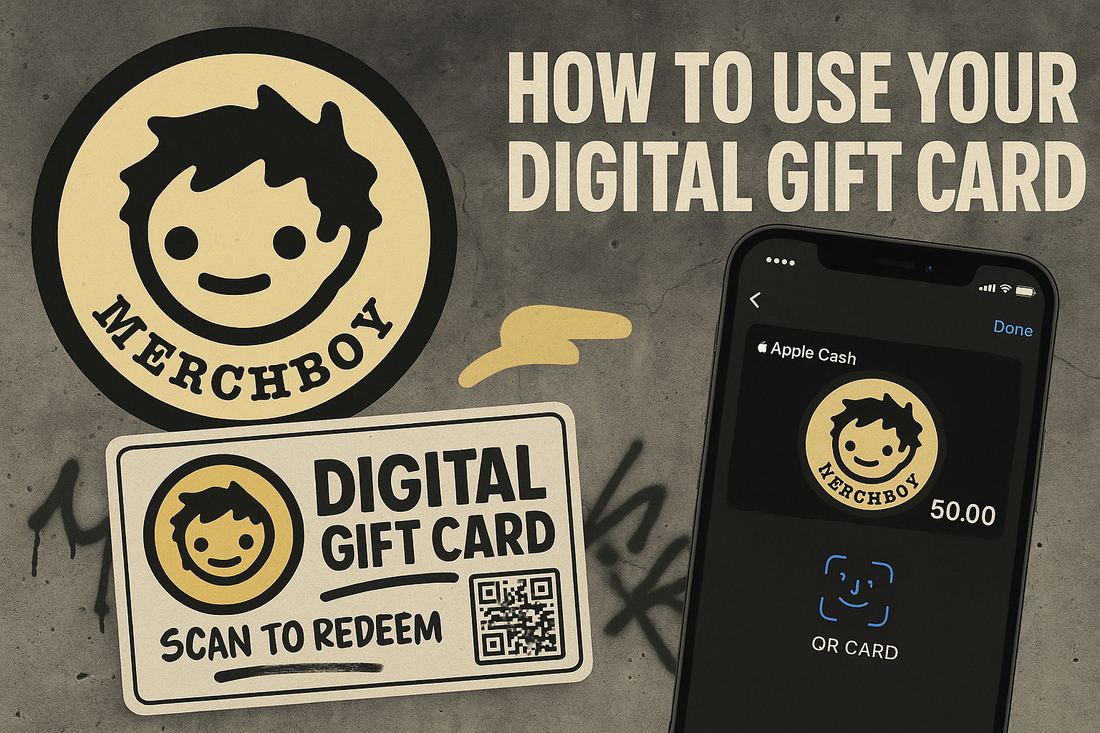
Merchboy Digital Gift Card
Share
🎁 How to Use Your Merchboy Digital Gift Card
Gift cards are now live at Merchboy! Here’s how to redeem your digital gift card on any device—so you never miss a drop.
For iPhone (Apple Wallet)
- Check your email for your Merchboy digital gift card after you buy it.
- Tap “View Gift Card” in the email—this opens your card in your browser.
- Tap “Add to Apple Wallet” (look for the Apple Wallet logo).
- Follow the prompt to save it to your Wallet app.
- Done! Your Merchboy gift card and balance are now in your Apple Wallet for instant access at checkout—online or in person.
For Android Devices
- Open the gift card email and tap “View Gift Card.”
- Pro tip: Save the page to your home screen for quick access (tap the three dots menu > “Add to Home Screen”), or screenshot the card/barcode for easy use at checkout.
Redeeming Your Gift Card
- Online: Enter your gift card code at checkout.
- In person (pop-up events): Show your card or code from your phone—Apple Wallet, email, or screenshot.
Still got questions?
DM us on Instagram or email support@merchboy.shop—we’re here to help!